Inifisical
Infisical is used for secrets management within the project, particularly for encrypting ODK Central credentials before storing them in the database. This guide will walk you through setting up a project and an access token in Infisical.
Deploying Infisical
If you are running Publish MDM locally and you followed Quickstart with Docker, Infisical should
be running at http://localhost:8888.
If you deployed Publish MDM using our Helm chart and you had enabled Infisical in the chart’s values, it should be running at the domain name that you set up for it.
See Infisical’s documentation for other self-hosting options.
If you prefer not to self-host, you can sign up for an Infisical Cloud account.
The URL you use to access Infisical will be your value for the INFISICAL_API_URL environment variable.
Setting up a KMS Project
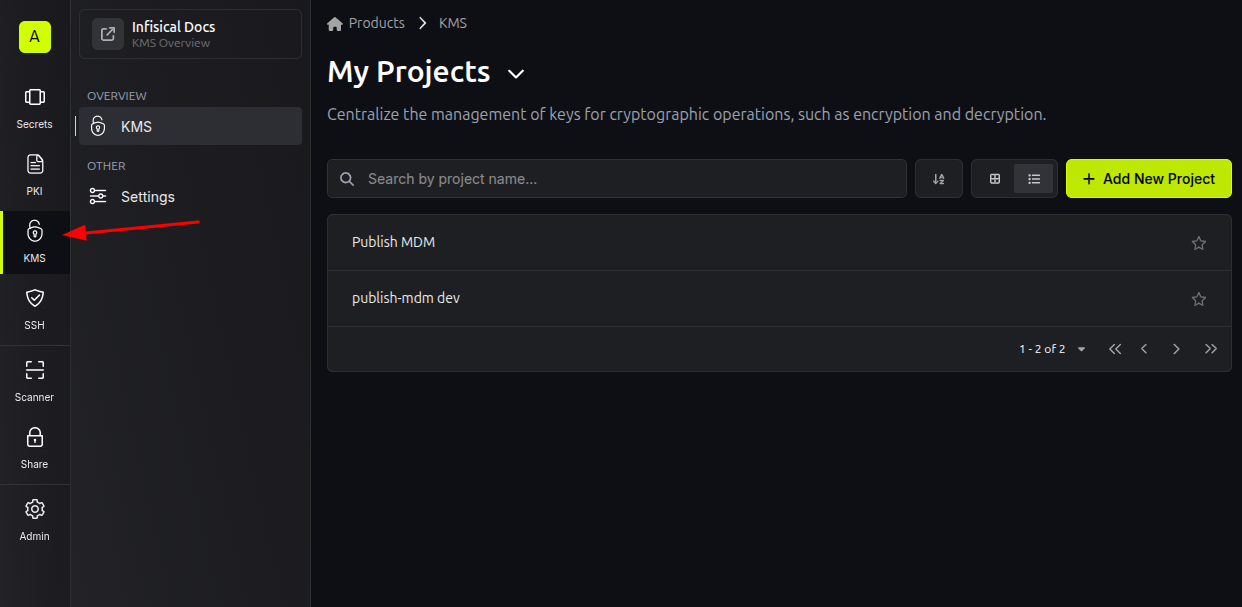
Go to the KMS page in Infisical and create a project:
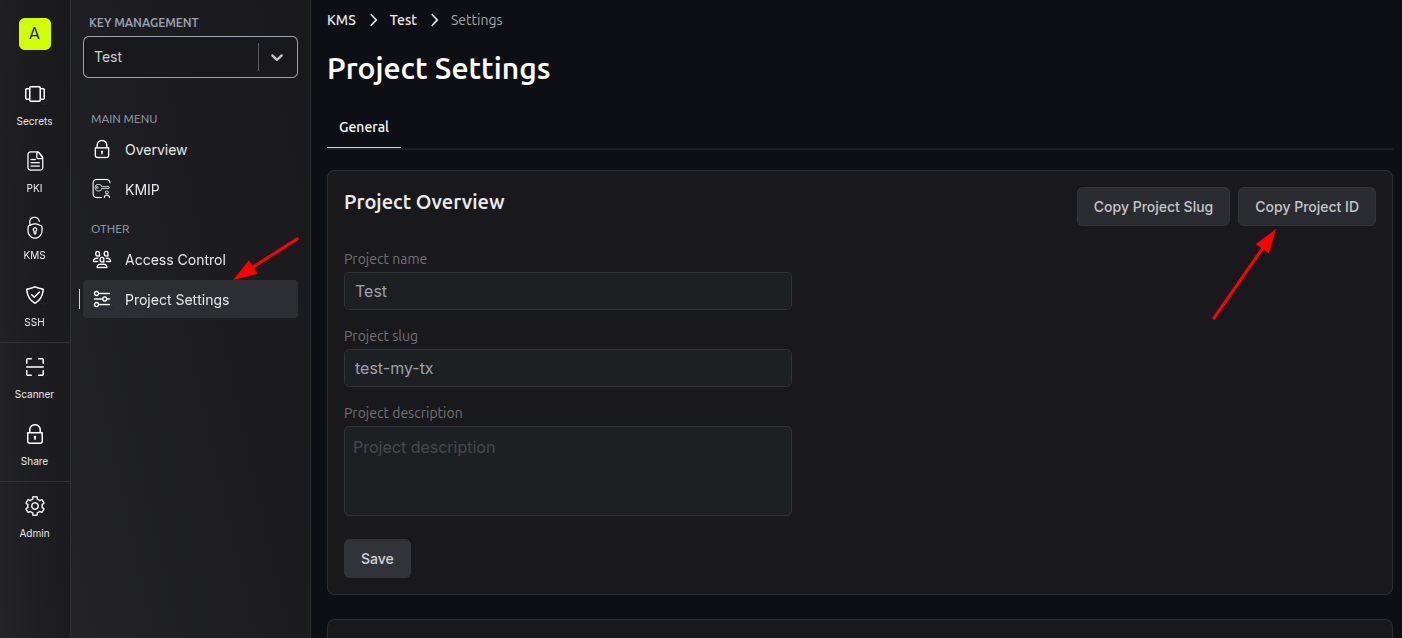
In the new project’s Overview Page, click on Project Settings and then copy the project’s ID.
You will use it to set the INFISICAL_KMS_PROJECT_ID environment variable:
Setting up an Access Token
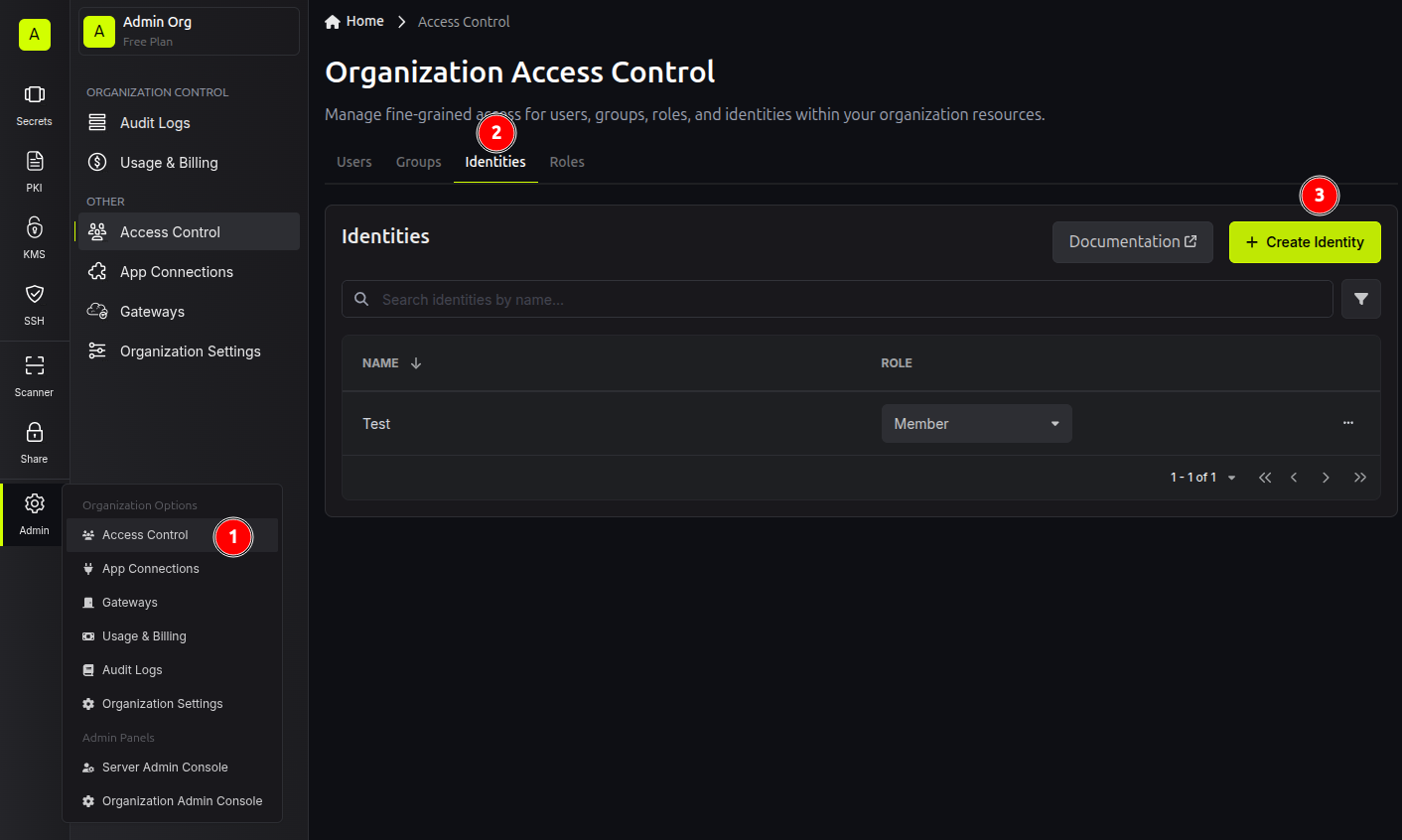
Under the Admin menu on the left sidebar, click on Access Control, go into the Identities tab in the Organization Access Control page, and create an Identity. You can select a “Member” role for the Identity.
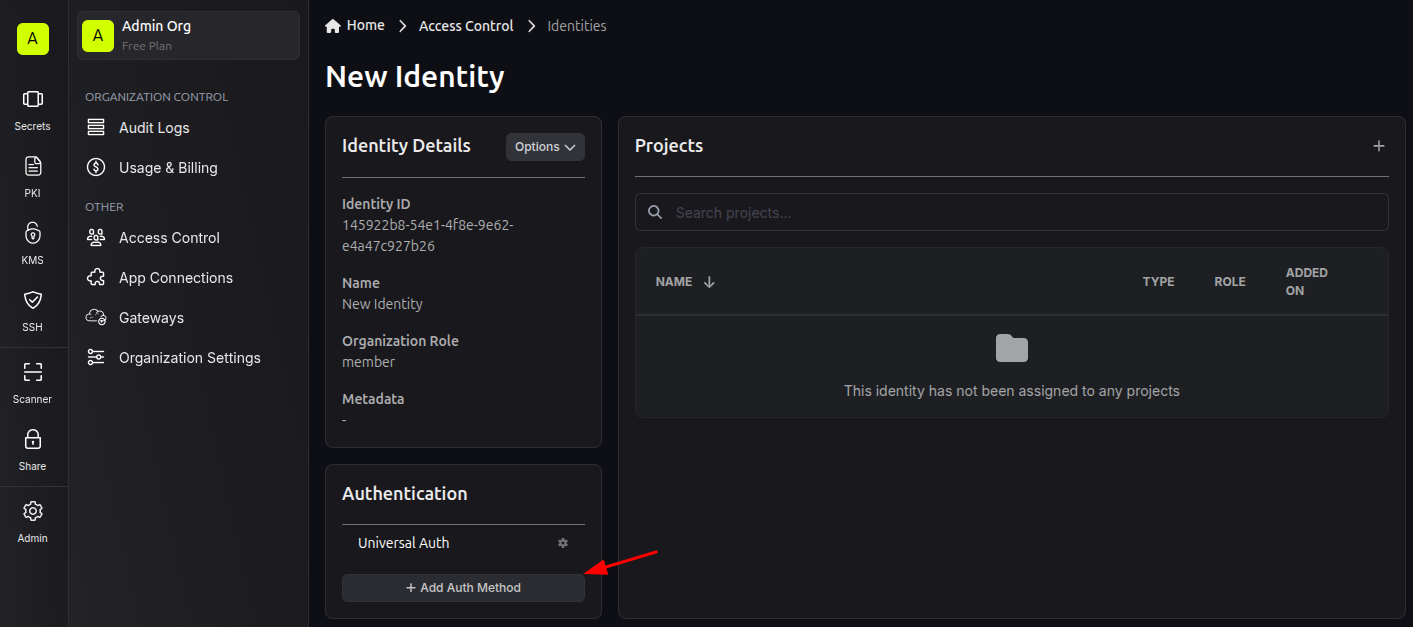
In the Identity’s page, click on Add Auth Method:
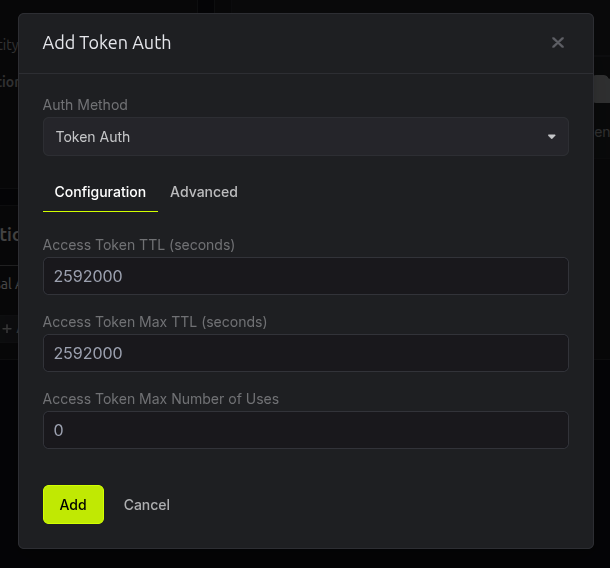
In the resulting dialog select “Token Auth” under “Auth Method”. You can edit the other values in the form as needed:
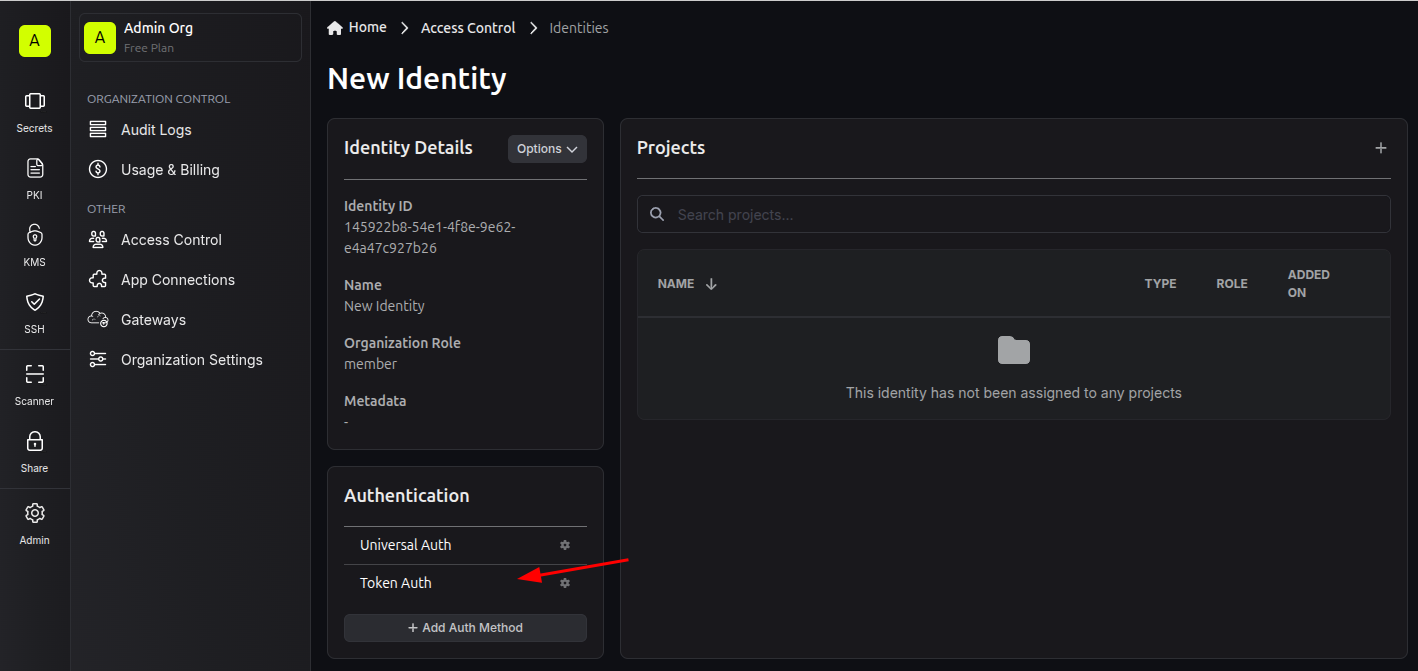
After adding the Auth Method, click on Token Auth, then in the resulting dialog click on Add Token. Copy
the token that will be displayed. You will use it to set the INFISICAL_TOKEN environment variable:
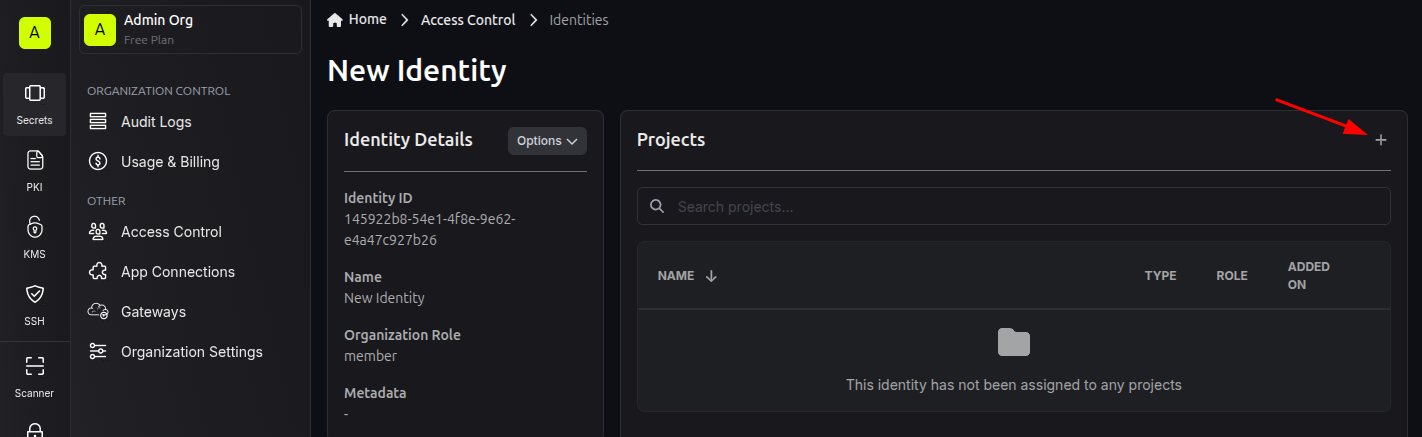
Lastly, add the Identity to the Project you created earlier with the “Developer” role:
Setting up a Secrets Project (optional)
If you want to pull some secrets from Infisical (e.g. using the Infisical CLI or Agent), you will need to create a Secrets project and add your secrets to it.
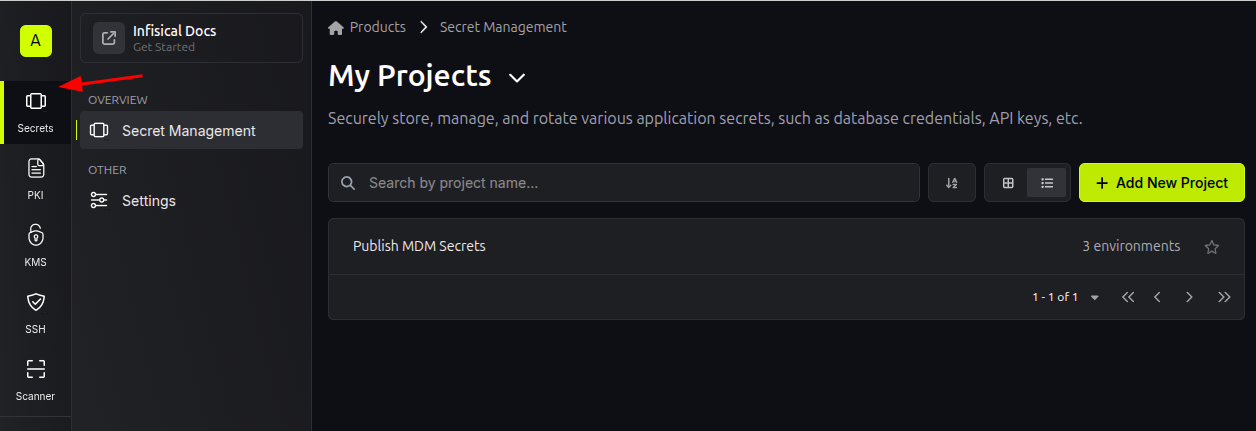
Copy the Project ID the same way you did for the KMS project. You will use it to
set the INFISICAL_SECRETS_PROJECT_ID environment variable. The INFISICAL_SECRETS_ENV
will be the slug for the environment
Infisical should pull from. The available environments and their slugs are listed in the Project Settings page.
Lastly, assign an Identity to the project, just like you did for the KMS project.